

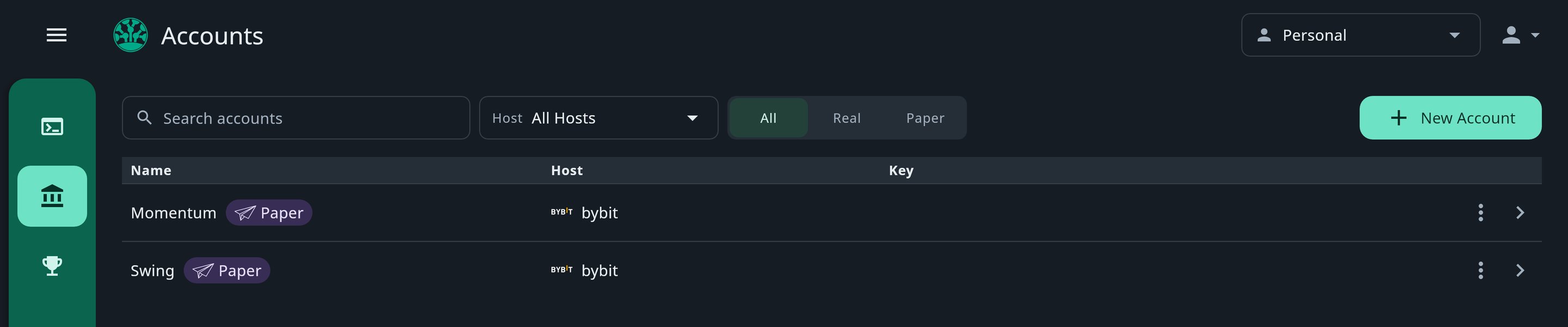
Add an account
New Account adds one, and shows only if you can connect or create accounts: choose a host, and whether the account is real or paper.- Paper: needs no credentials, and starts with no balances. See Paper trading.
- Real: connects your exchange account with an API key you create at the exchange. See Connect an exchange account.
Review an account
Open an account to see its Overview, Balances, Positions, Open Orders, Transactions and Fills. The overview shows a summary of each, with View all to open the full list. Positions show each side’s liquidation price where the host reports one.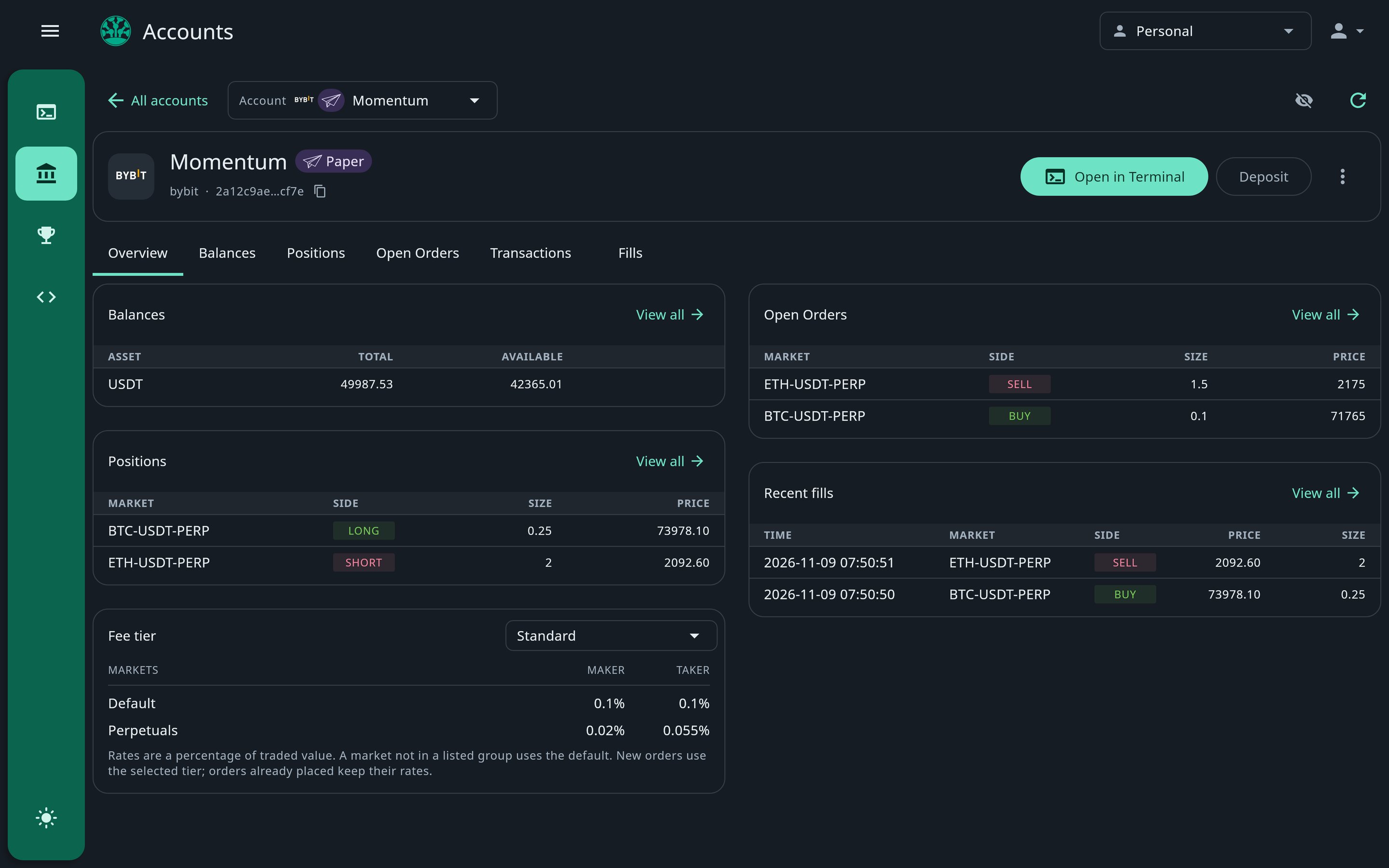
accountId in the API.
Manage an account
Each action shows only if your access allows it. See API keys and access for the
permissions, which an organisation member’s access uses too.