

Profile and email
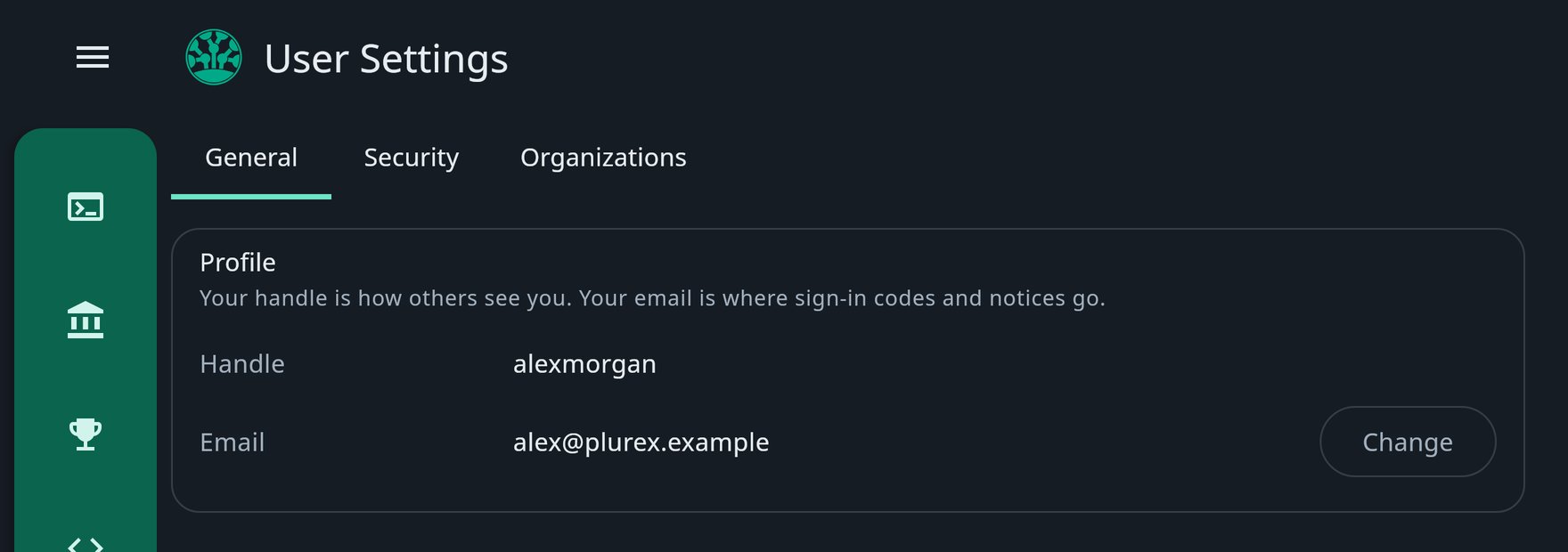
Password
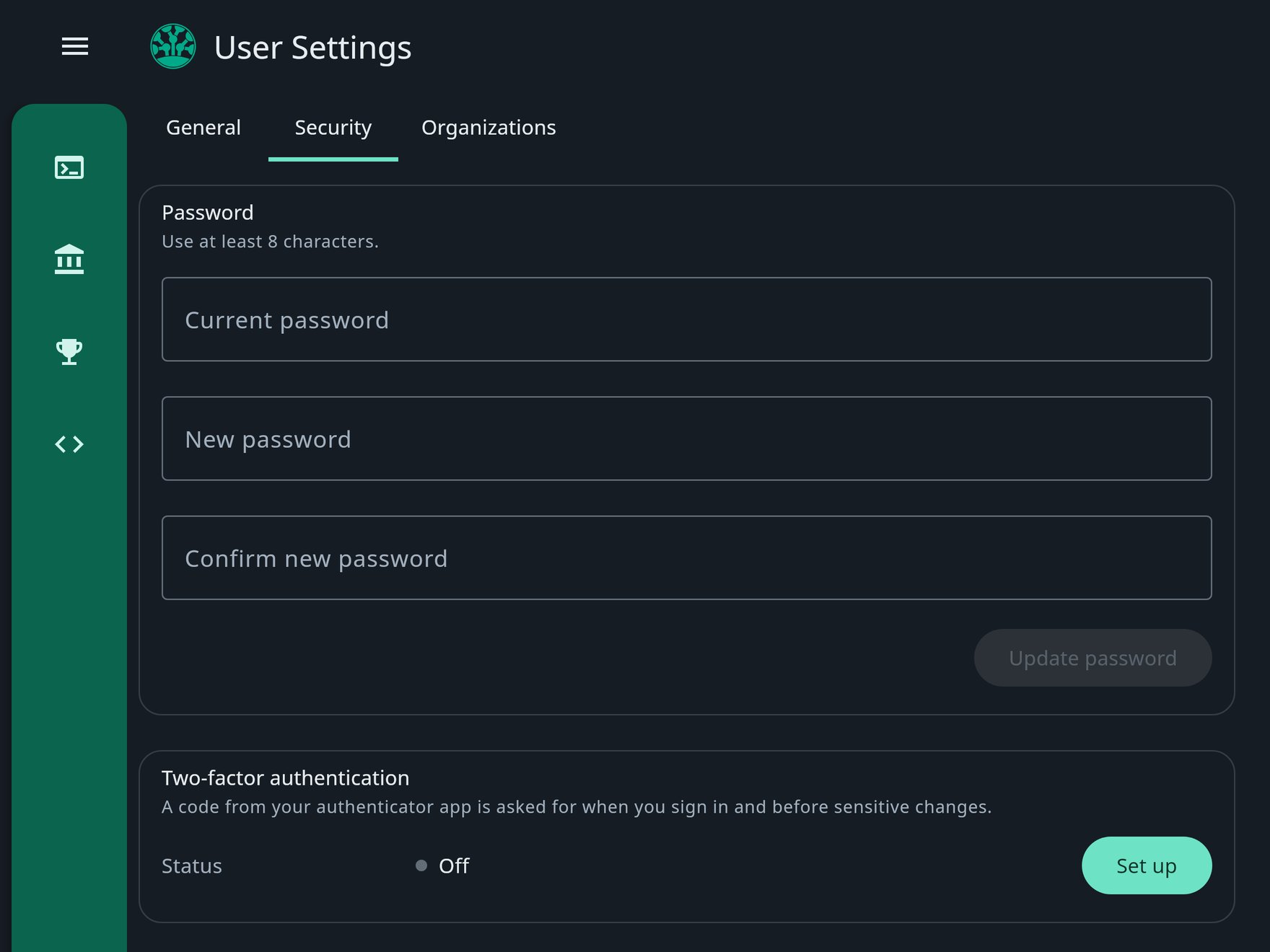
Two-factor authentication
With two-factor authentication on, the app asks for a 6-digit code from your authenticator app when you sign in and before sensitive changes, such as creating, editing or deleting an API key, changing a member’s access or changing your email.1
Start
On Security, choose Set up and enter your password.
2
Scan the code
Scan the QR code with an authenticator app, such as Google Authenticator or Authy. If you cannot scan it, copy
the key shown under it into the app instead.
3
Confirm
Enter the 6-digit code the app shows. The status changes to On.
Reset a forgotten password
On the sign in dialog, choose Forgot password? and enter your email. Plurex emails a reset link; open it, choose a new password and sign in with it.When your login changes
- You are told about changes. A change of password, email or two-factor authentication sends a notice to your email, to the old address for an email change.
- Other sessions end. The same changes sign you out everywhere except where you made them.